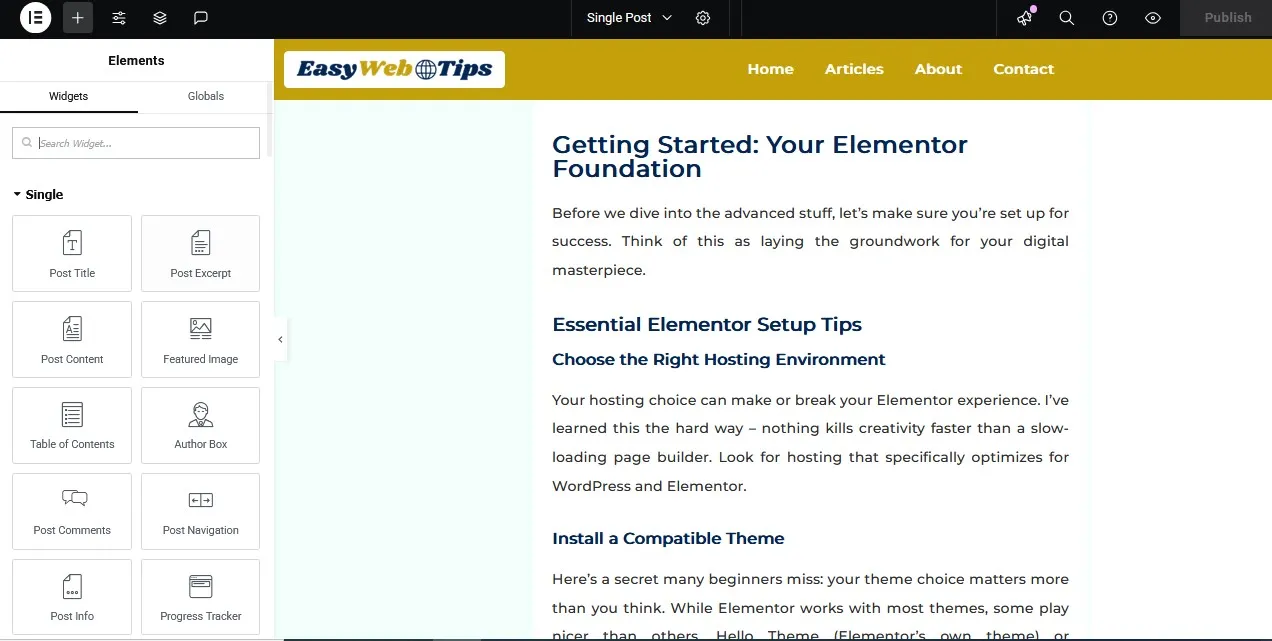
Elementor Tips and Tricks: Your Ultimate Guide to Web Design Mastery

You know that feeling when you’re staring at a blank webpage, cursor blinking mockingly at you, and suddenly you realize you’ve been scrolling through WordPress themes for three hours without picking one? Yeah, I’ve been there too. But here’s the thing – what if I told you that building stunning websites doesn’t have to feel like solving a Rubik’s cube blindfolded? Welcome to the world of Elementor, where drag-and-drop isn’t
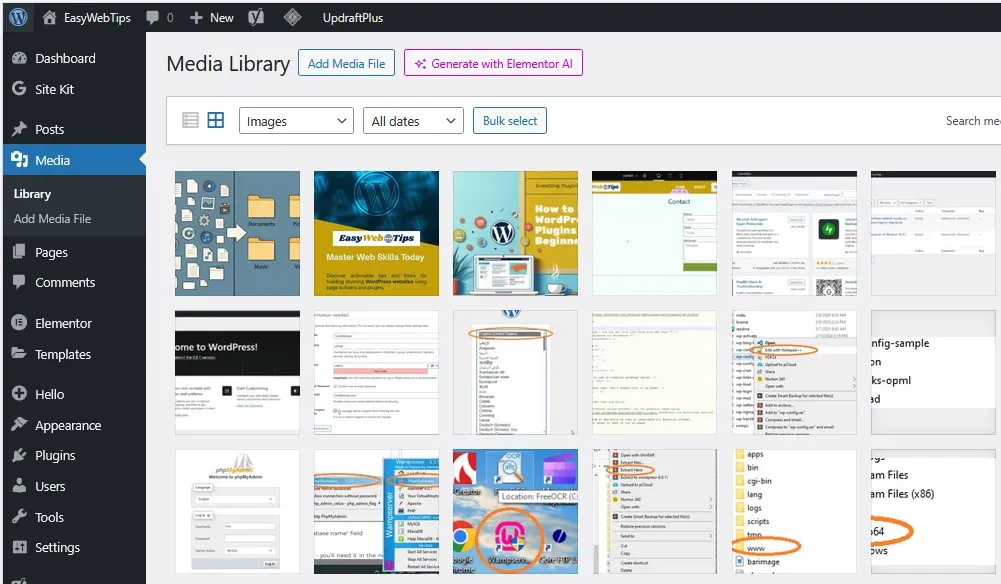
WordPress Media Management Made Easy: Complete Beginner’s Guide

When you first begin building your dream website, it’s easy to overlook the media library. But over time, it can grow into a cluttered mess—filled with hundreds of random images named things like “IMG_4387.jpg” or “screenshot-2024-final-FINAL.png”, along with multiple size variations of each upload. Eventually, your website becomes bloated, and managing your media library turns into a nightmare—especially when you’re unsure which files are safe to delete. Here’s the thing—managing

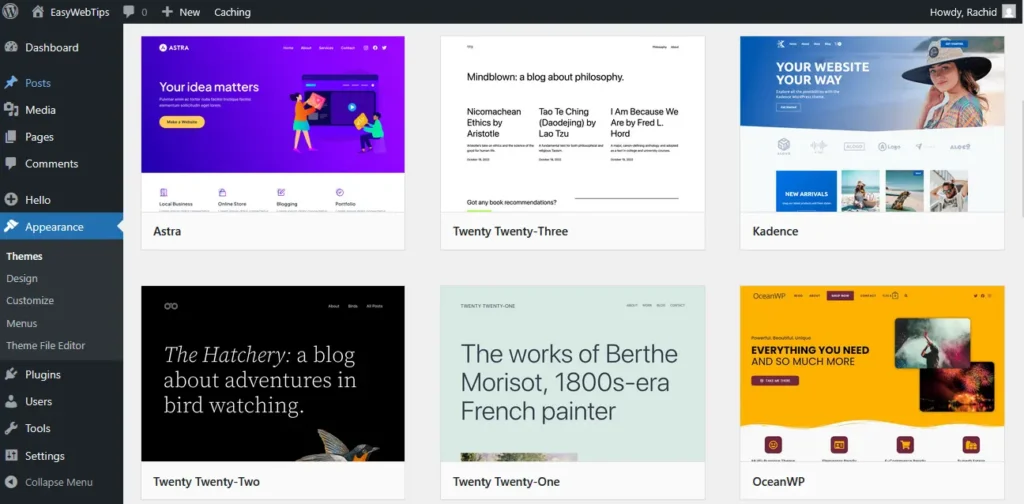
How to Install WordPress Themes for Beginners: Detailed Guide

Picture this: You’ve just launched your WordPress website, and it looks… well, let’s be honest, pretty boring. The default theme is functional, sure, but it’s about as exciting as watching paint dry. You know your content deserves better, but the thought of installing a new theme feels like trying to solve a Rubik’s cube blindfolded. All big websites have been there too. When you first start your WordPress journey, you

How to Install WordPress Plugins for Beginners: All You Need to Know

You’ve just launched your new WordPress website, and you’re staring at it like a proud parent. But then reality hits – your site feels a bit… naked. Like a smartphone without apps, or a kitchen without utensils. That’s where WordPress plugins come to the rescue, and I’m here to show you exactly how to install them without breaking into a cold sweat. Think of plugins as tiny superheroes for your

Beginner-Friendly WordPress Tips to Get Started: Your Complete Roadmap to WordPress Success

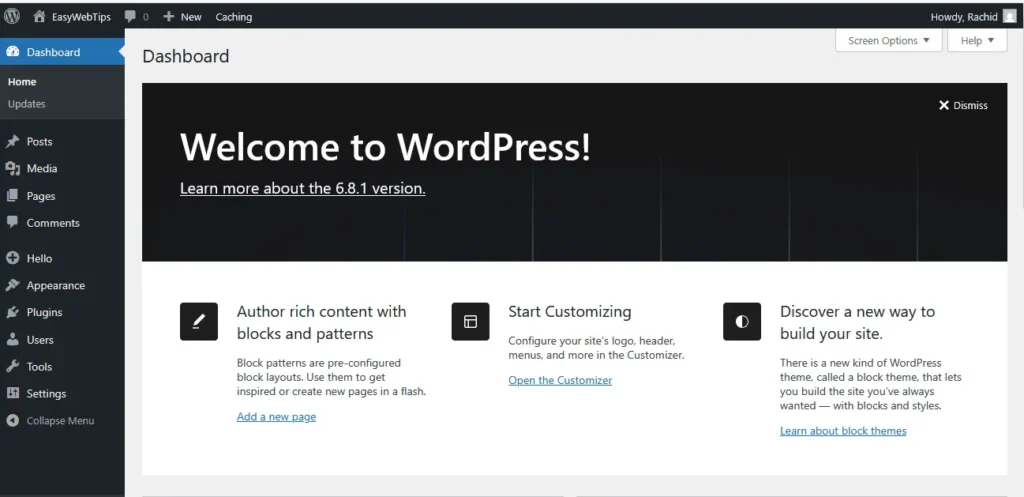
Starting with WordPress can feel like stepping into a whole new world. One minute you’re excited to launch your website — coffee in hand, big ideas in mind — and the next, you’re staring at the WordPress dashboard wondering if you accidentally opened a flight simulator. Don’t worry, you’re not alone. WordPress is powerful, flexible, and yes — a little intimidating at first. But the good news? It’s designed for

How to Create a WordPress Website Locally on WampServer: Complete Step-by-Step Guide

Introduction Creating a local WordPress website is an excellent way to test themes, plugins, and website functionality before going live. WampServer provides a perfect local development environment that includes Apache, MySQL, and PHP – everything you need to run WordPress on your computer. This comprehensive guide will walk you through the entire process from start to finish. You can Read this: Step by Step Guide How to Install Wampserver on